Introduction
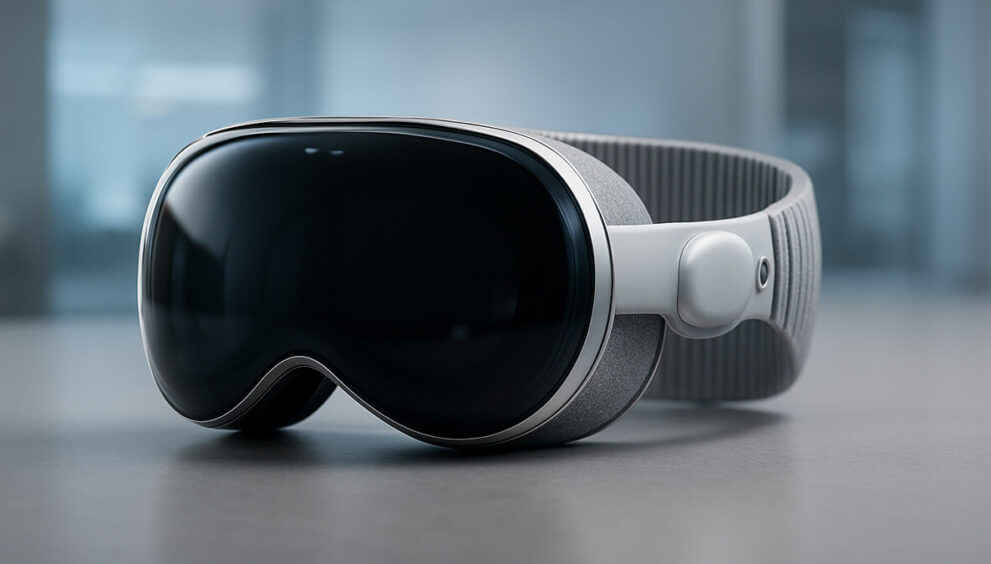
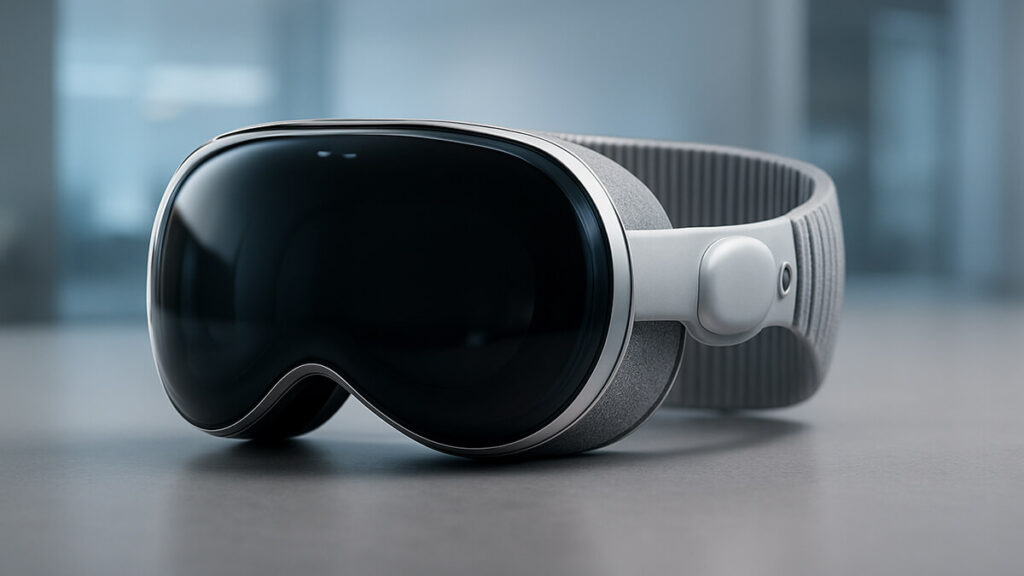
Apple Vision Pro has become a trending topic again following the latest system updates released over the last month. These updates brought major improvements to spatial computing, performance, battery life, and user interaction.
The device which created massive global hype upon launch now feels far more polished and practical for everyday use.
This article provides a complete, in-depth Reviewhat-style analysis: real-world testing, pros, cons, and whether the device is worth buying after the new updates.
1. Design Updates
While the physical design remains unchanged, usability has greatly improved:
- Faster response from front and back sensors
- More accurate eye tracking, especially in low light
- Quieter airflow during long usage
- Better weight distribution for comfort
These changes make it more suitable for long video calls and professional use.
2. Performance Improvements & Spatial Computing
Apple focused heavily on performance fixes:
- Apps launch 30% faster
- Smoother transitions between windows
- Improved 3D rendering
- Sharper text clarity
- Reduced battery consumption during high-resolution content
Vision Pro now feels like a mature productivity and entertainment device.
3. Video Experience with Apple Immersive Video
One of the biggest enhancements is the upgraded Apple Immersive Video engine:
- Wider, more realistic field of view
- True depth perception
- Better spatial audio
- The cinematic experience is now exceptional.
4. VisionOS Improvements
The latest VisionOS update introduced:
- Cleaner panels and better layout
- Smoother animations
- Wider app compatibility
- More customizable virtual screens
- Stronger accessibility features
The OS now feels polished and user-friendly.
5. Productivity and Typing Experience
The device is finally becoming practical for work:
- Highly improved eye-tracking typing
- Faster floating keyboard
- Better support for Microsoft 365
- Multiple large workspace screens
A genuine step forward for remote work and multitasking.
6. Battery Life Enhancements
Battery life has noticeably improved:
- 20–25% longer usage
- New power-saving modes
- Better heat management
Still not perfect, but significantly better.
7. Pros
- The best mixed-reality experience on the market
- Excellent graphics performance
- Industry-leading UI and interactions
- Continuous software upgrades
- Growing app ecosystem
- Premium build quality
8. Cons
- Very high price
- Limited compatible content
- Feels heavy for some users
- Not ideal while moving
- Best performance requires good lighting
9. Should You Buy It Now?
If you want:
- Top-tier future-ready tech
- The best mixed-reality system
- A powerful creative or business tool
* Yes — it’s now more worth it than before.
If budget is an issue or you only want entertainment, waiting might be better.
Conclusion
The latest updates push Vision Pro closer to becoming a fully mature mixed-reality platform, and its rapid evolution suggests even bigger improvements ahead.